The Short Answer
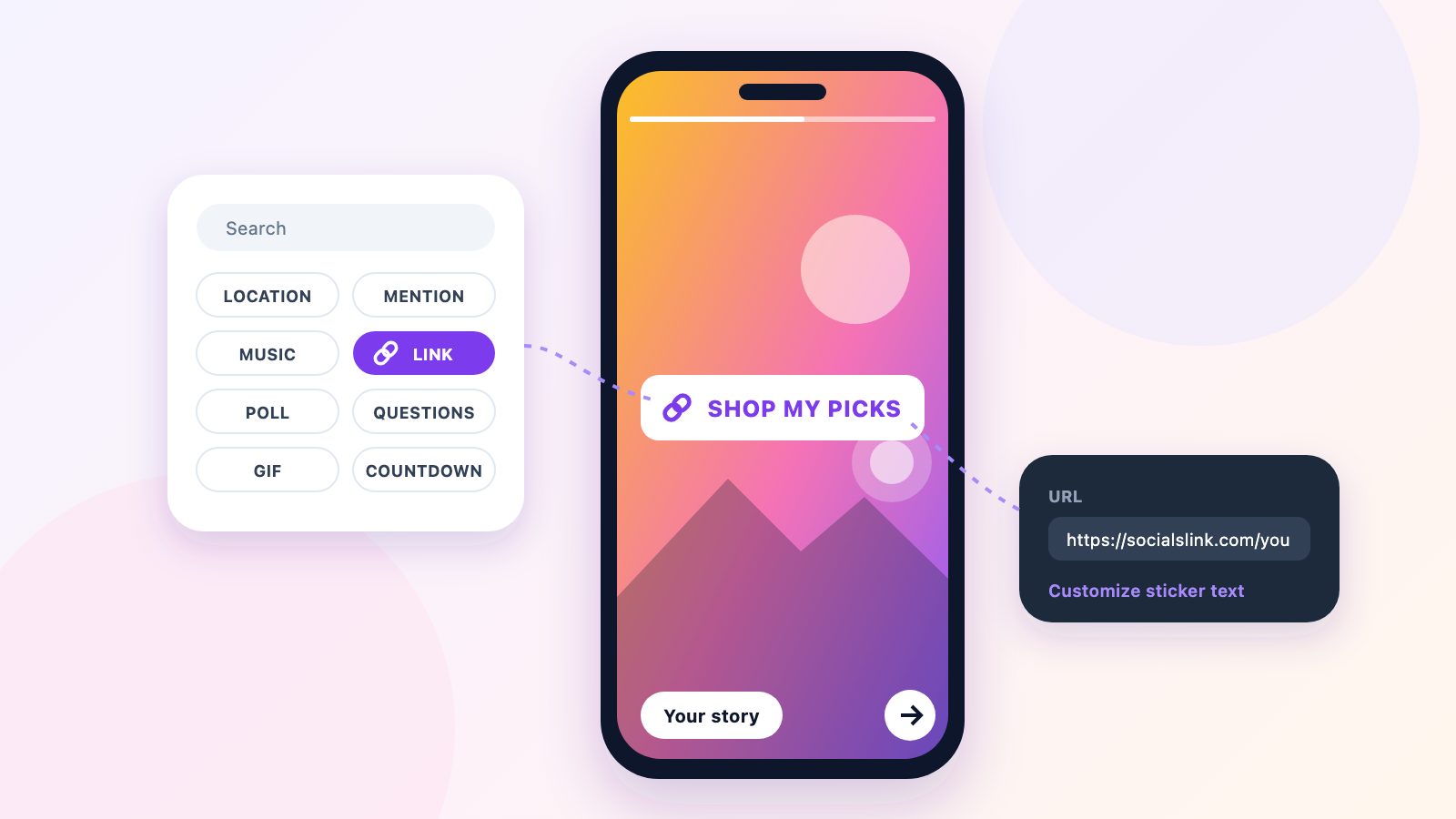
Start a Story, add a photo or video, tap the sticker icon at the top of the screen, choose Link, paste your URL and tap Done. Drag the sticker where you want it and share. Anyone watching can tap the sticker to open your link.
Every account can do this. The old rule that you needed 10,000 followers for a "swipe up" link ended in October 2021, when Instagram replaced swipe-up with the Link sticker and opened it to everyone.
1. Add a photo or video, then tap the sticker icon.
2. Choose Link from the sticker tray.
3. Paste the URL and name the sticker.
4. Place it above the reply bar and share.
Step by Step: Add the Link Sticker
- 1Copy the link you want to share. Use the full address, starting with https://.
- 2In Instagram, swipe right from your feed, or tap + and choose Story.
- 3Take a photo or video, or swipe up to pick one from your camera roll.
- 4Tap the sticker icon in the row along the top (the square smiley face).
- 5Tap Link. If you do not see it, type "link" in the search bar at the top of the tray.
- 6Paste your URL into the URL field.
- 7Optional: tap Customize sticker text and write what people get, like "Shop the look" or "Get tickets". If you skip this, the sticker shows the web address.
- 8Tap Done, drag the sticker into place, then tap Your story (or Close Friends) to share.
Tap the sticker after you place it to cycle through its color styles. Pick the one that stands out most against your photo; a sticker that blends into the background gets skipped.
Get People to Actually Tap It
The sticker takes ten seconds to add and one second to ignore. These habits help:
- Say what is behind the link. "New video" or "20% off until Friday" gets more taps than a bare web address.
- Keep it out of the bottom strip. The reply bar and share button live there, so a low sticker gets covered or mis-tapped.
- Point at it. A line of text or an arrow aimed at the sticker helps people who are new to your account.
- Use it on more than one slide. Put the link on the first slide people see and repeat it on the last.
- Give people a reason to tap now. Stories disappear after 24 hours, so a deadline in the text fits how people watch them.
Keep the Link After 24 Hours with Highlights
A Story leaves the Stories bar after 24 hours, and its link goes with it. To keep it, add the Story to a Highlight: open the Story, tap Highlight (the heart icon) at the bottom, and pick an existing Highlight or make a new one. Highlights sit under your bio, and the Link sticker keeps working there.
A Highlight called "Links", "Shop" or "Start here" gives new visitors a permanent way to reach your most important pages without changing your bio.
Why the Link Sticker Is Missing
If Link does not show up in your sticker tray, work through these in order:
- Update the Instagram app. The sticker tray changes between versions, and an old version may not have it.
- Search the tray. Type "link" into the search bar at the top instead of scrolling.
- Give a new account time. When Instagram opened the sticker to everyone in 2021, it said brand-new accounts would not get it straight away.
- Check your account status. Instagram can limit features, link sharing included, on accounts it flags for breaking its rules or looking like spam. Settings → Account status shows whether anything is limited.
- Try a different URL. Instagram refuses some web addresses, such as sites it has flagged as unsafe. If one link fails, test another to find out whether the problem is the link or the account.
- Log out and back in, or restart your phone. It clears a stuck setting more often than you would expect.
One Address per Sticker, One Page for Everything
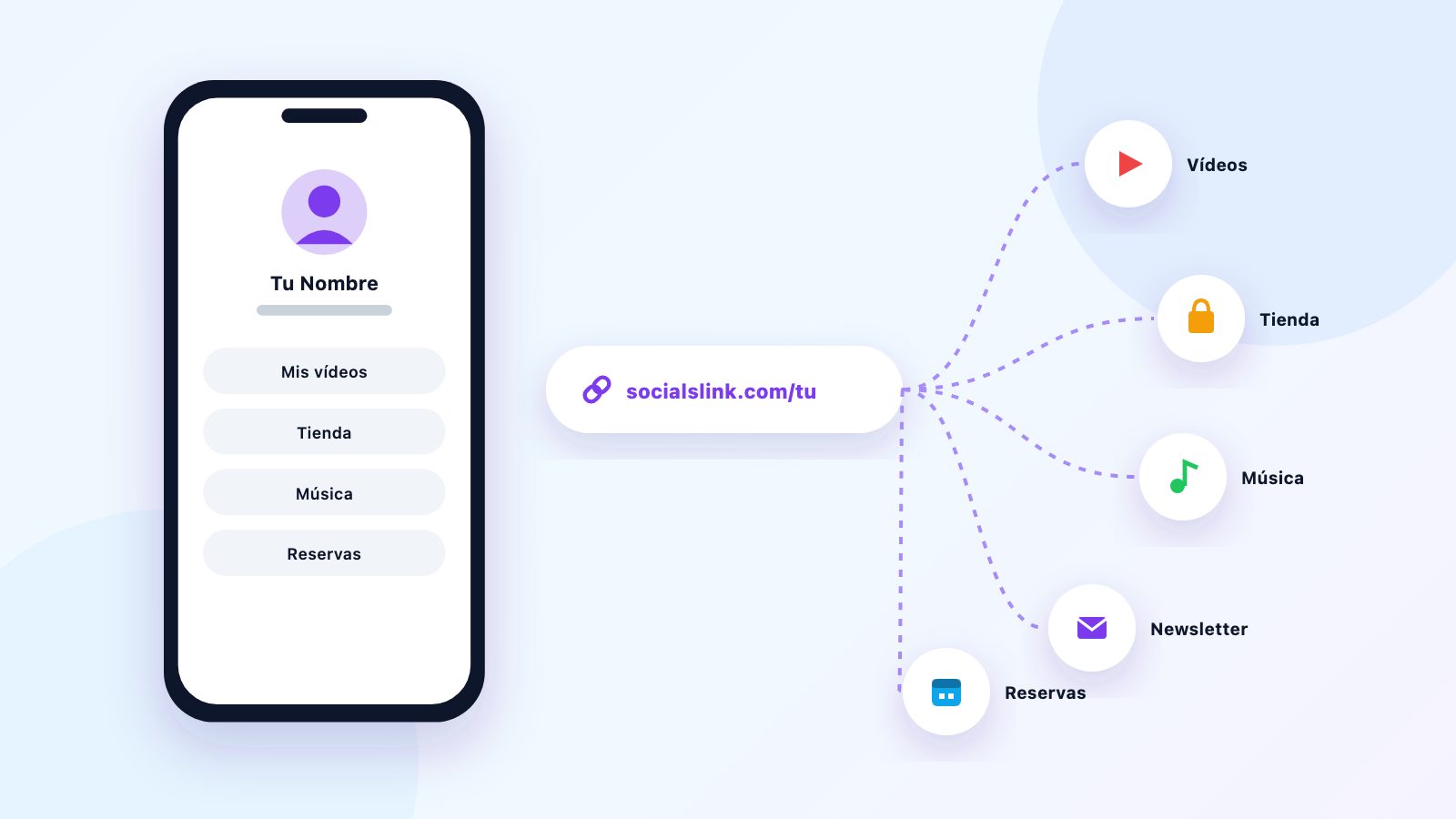
Each Link sticker holds one web address. That works for a single launch, but most people have more than one thing to share: a shop, a YouTube channel, a newsletter, a booking page.
A link-in-bio page fixes that. Put every link on one page and use that page's address in your Story stickers, your bio and anywhere else you post. When something changes, you update the page once. SocialsLink is free to start and works on TikTok, Twitch and YouTube as well as Instagram. For ideas on what to put on it, see 15 Instagram bio link ideas.
What Changed with Instagram Links in 2026
Stories are still the one place every account can post a tappable link for free. In September 2026 Meta launched Meta One, a paid subscription that adds clickable links in posts and Reels and a bigger link page for your bio. Here is where things stand in November 2026:
| Where | Free account | With Meta One |
|---|---|---|
| Stories | Link sticker | Same |
| Bio | Up to 5 links | Up to 20 links, with titles and images |
| Captions | Not clickable | 4–12 a month (Advanced and up) |
| Reels | Not clickable | 4–12 a month (Advanced and up) |
| Comments | Not clickable | Not clickable |
| DMs | Clickable | Clickable |
| Linked Reels | Removed 28 Oct 2026 | Removed |
As of 1 November 2026. Meta One launched on 15 September 2026; plan allowances come from Meta's help center and published plan breakdowns, and Meta says prices and availability vary by region. Sources are listed at the end of the article.
Adding links to your bio, posts and Reels
The step-by-step for your profile, plus what Meta One costs and whether it is worth it, is in how to add links on Instagram: bio, posts, Reels and Stories.
Sources
- Meta Help Center, How to add a link page to your Instagram bio with Meta One (20-link page, eligible plans, teens excluded)
- Forbes, 15 September 2026, Meta One turns Instagram, WhatsApp and Meta AI into a subscription
- ReelDrop, Meta One plans and prices, and VentureWrite, Meta One link allowances (the two list different prices)
- Engadget, March 2026, Meta is testing clickable links in Instagram captions
- Self Employed, October 2026, Instagram is removing Reels series linking starting October 28
- Search Engine Land, April 2023, Instagram now allows up to 5 links in bio
- 9to5Mac, 27 October 2021, Instagram link stickers now rolling out to everyone
Frequently Asked Questions
Do you need 10,000 followers to add a link to an Instagram Story?
No. Since October 2021 every Instagram account can add a link with the Link sticker. The 10,000-follower rule applied to the old swipe-up link, which the sticker replaced.
Why can't I add a link to my Instagram Story?
Update the app first, then search "link" in the sticker tray. If it is still missing, check Settings, Account status for any limits on your account, and try a different URL in case Instagram is refusing that address. Brand-new accounts may not get the sticker straight away.
Can you add more than one link to an Instagram Story?
Each Link sticker holds one web address. To share several, put a link on each slide of your Story, or link to one page that lists everything.
Do Story links still work in Highlights?
Yes. Add the Story to a Highlight and the Link sticker stays tappable after the 24 hours are up.
Can I see how many people tapped my Story link?
Yes, on a professional (creator or business) account, which is free to switch to. Open the Story and swipe up to see its insights, including link taps. Personal accounts only see who viewed the Story.
Do you have to pay for links in Instagram Stories?
No. The Link sticker is free for every account. Meta One, the paid plan Meta launched in September 2026, adds links in posts and Reels, but Story links do not need it.
One page for every link you share — free
Set up your free SocialsLink page in 60 seconds. No credit card required.
Get Started Free